Loading TikTok emojis…
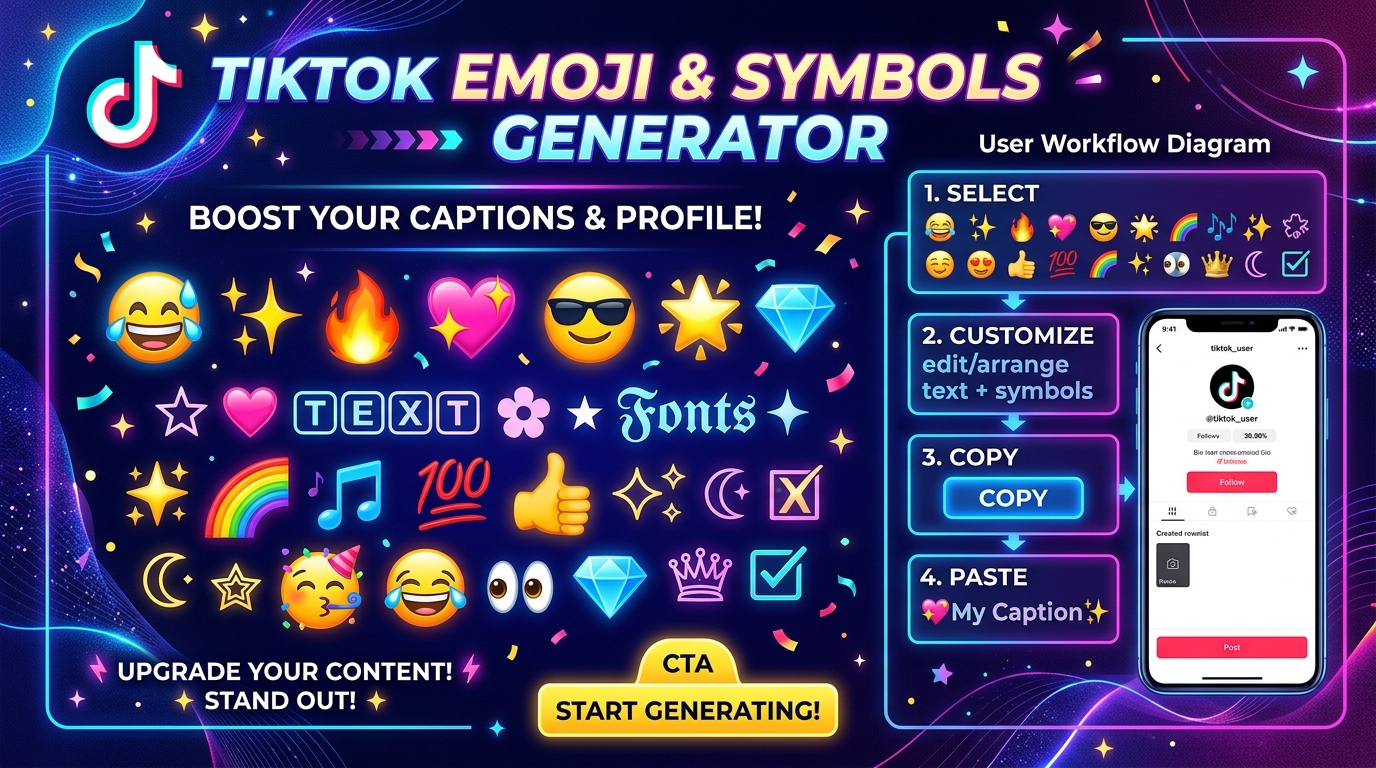
The Ultimate TikTok Emoji & Symbol Copy-Paste Guide
Make your profile stand out with our free TikTok Emoji & Symbol Generator on TikTokFont.com. Whether you're decorating your TikTok bio, writing viral video captions, or creating aesthetic comments, our comprehensive collection of over 3,500+ unicode emojis and symbols gives you instant one-click copying across all smartphones and desktop browsers.
Browse or Search
Select from 9 emoji categories or type keywords in the search bar.
Tap to Select
Click any emoji to instantly copy it and add it to your text composer.
Copy Combo
Combine multiple emojis and text fonts, then click Copy.
Paste to TikTok
Open TikTok, edit your profile or caption, and paste (Ctrl+V) instantly!
Why Emojis & Aesthetic Symbols Boost TikTok Profile Engagement
Your TikTok bio is the first impression visitors see when arriving on your page. Adding eye-catching symbols, aesthetic unicode characters, and relevant emojis breaks up dense text and visually highlights your niche. Profile bios formatted with clean spacing and aesthetic symbols experience higher click-through rates to linked storefronts and social handles.
Pro Tips for Aesthetic Bio Formatting
- Use Bullet Point Symbols: Replace standard hyphen bullets with aesthetic stars (✨, 🌟, ⚡) or clean arrows (➔, 🏹).
- Select Skin Tones: Tailor human emojis using the built-in skin tone selector under our People & Body category.
- Combine with TikTok Fonts: Pair your emojis with fancy cursive, bold, or gothic text from TikTokFont.com.